
New Neighborhood
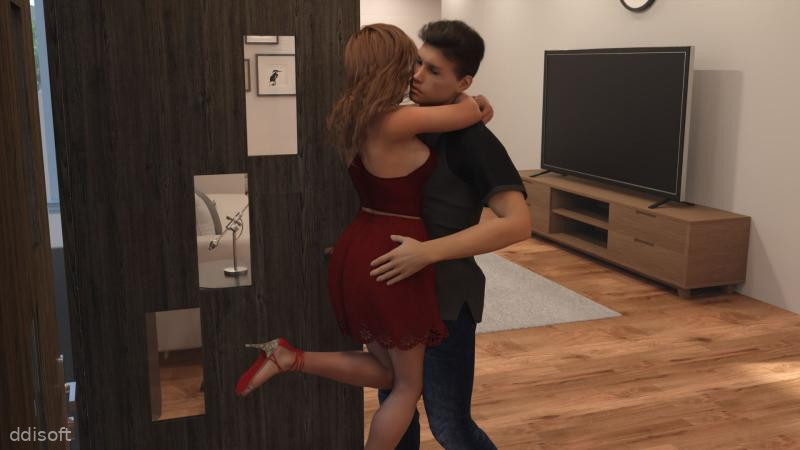

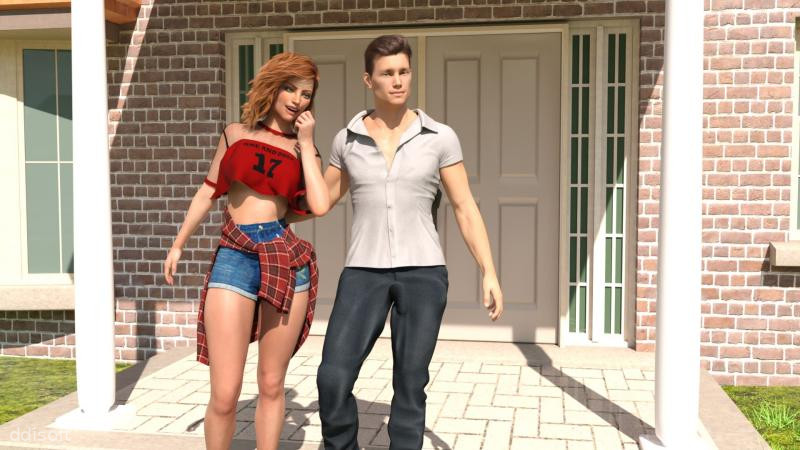
New Neighborhood Game Introduction
New Neighborhood is one of those chill Android games that quietly pulls you in. You start with a small patch of land, a few basic buildings, and a blank slate for your own cozy little community. From there, it turns into a relaxed mix of planning, decorating, and watching your town slowly come to life.
Instead of stressing you out with timers and pressure, New Neighborhood leans into a slower, more satisfying pace. You place homes, tweak layouts, and get to know the vibe of the people who move in. Bit by bit, your empty corner turns into a place that actually feels lived in.
If you enjoy town builders but want something more personal and less hardcore, this game sits nicely in that sweet spot. It is simple to get into, but there is enough going on to keep you tinkering with your layout and checking back in on your virtual neighbors.
New Neighborhood Game Features
1. Custom Home Layouts: Shape your streets, place houses, and tweak the layout so your neighborhood feels the way you imagine it.
2. Quirky Residents: Meet different characters with their own preferences, and try to match the area to what they like.
3. Gradual Town Growth: Start tiny and expand your borders as you unlock more plots, decorations, and building styles.
4. Relaxed Progression: Play at your own pace without being forced to log in every hour just to keep things moving.
5. Visual Variety: Mix different house designs, paths, and greenery so each part of town has its own personality.
New Neighborhood Game Highlights
🏆 Cozy building loop - Place a few houses, shuffle things around, and watch your town slowly feel more alive each time you come back.
💡 Character-driven touches - Residents react to changes, giving small hints and feedback that make the place feel a bit more personal.
✨ Low-stress design - It is easy to pick up for a short break, then put down again without feeling like you are falling behind.
📌 Satisfying upgrades - Unlocking new items and styles gives you fresh reasons to revisit older areas and improve them.
💎 Offline-friendly play - You can keep tweaking your layout even when you are not connected, which is great for commutes or downtime.
New Neighborhood Game Gameplay
Start by placing a few basic houses and roads, then adjust their positions until the layout feels right to you.
Check in on your new residents and notice what kind of surroundings they seem happiest with.
Expand your land as you earn more in-game resources, opening up space for parks, decorations, and new housing clusters.
Experiment with different building combinations to see which setups look best and keep your neighborhood balanced.
Return regularly to refine paths, move buildings around, and slowly turn your starter block into a full, connected community.
New Neighborhood Game Conclusion
New Neighborhood is built for players who like to tinker, relax, and see slow progress turn into something satisfying. It is not trying to be a huge city simulator, and that is exactly why it works. You get the fun of planning and decorating without needing a spreadsheet to keep up.
If you have ever wanted a small-town builder that feels more like arranging a cozy diorama than managing a giant metropolis, New Neighborhood fits that mood nicely. It lets you build, adjust, and grow at your own speed, until your little corner of the map finally feels like a place you would actually want to live in.
FAQs
What kind of game is New Neighborhood?
New Neighborhood is a casual simulation game where you design and grow a small town, place houses and decorations, and watch residents settle in.
Does New Neighborhood require an internet connection?
You can play most of New Neighborhood offline, which makes it handy for travel or quick sessions when you do not have stable internet.
Is New Neighborhood hard to learn for new players?
Not at all. The game eases you in with simple building tools and gradual unlocks, so new players can pick it up quickly and learn as they go.
App Information









Comments
No comments yet. Be the first to share your thoughts!
