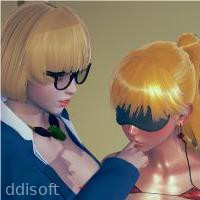
Dr. Sue – Dollmaker
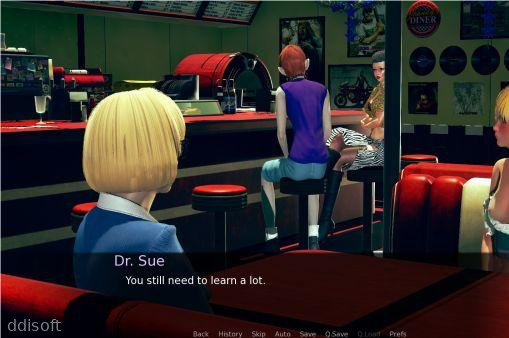
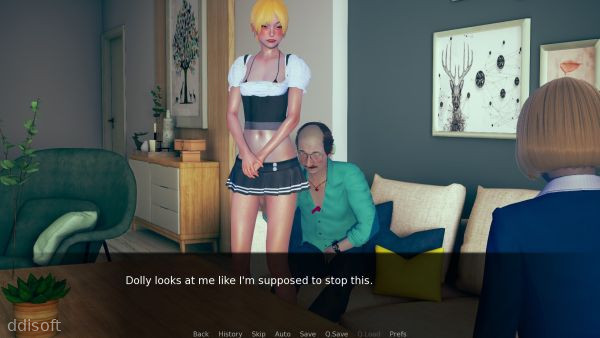
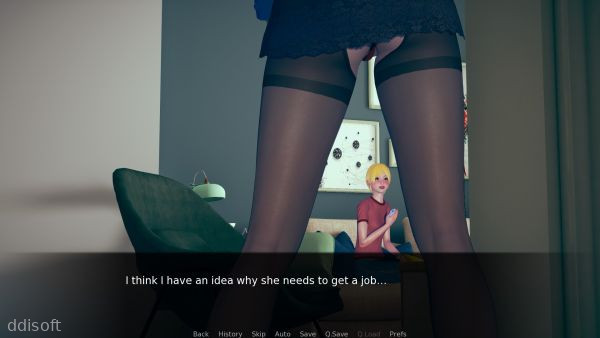
Dr. Sue – Dollmaker Game Introduction
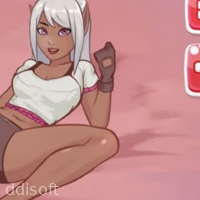
Dr. Sue – Dollmaker is a relaxed character-creation game where you get to build adorable dolls from head to toe. It leans more toward a cozy dress-up sandbox than a stressful challenge, so it is perfect for players who just want to chill and create.
You pick faces, hairstyles, clothes, accessories, and backgrounds, then mix everything into your own custom characters. Whether you like pastel aesthetics, cute chibi looks, or just want a quick creative break on your phone, Dr. Sue – Dollmaker fits nicely into short play sessions.
There is no complicated story to keep track of and no pressure to grind. You simply open the game, design a doll, take a screenshot if you want to share it, and come back later when inspiration hits again.
Dr. Sue – Dollmaker Game Features
1. Deep Doll Customization: Adjust hairstyles, outfits, and small details so every doll feels like a different character instead of a copy-paste template.
2. Mix-and-Match Wardrobe: Combine tops, bottoms, dresses, and accessories to experiment with different looks, from casual streetwear to fantasy-inspired outfits.
3. Multiple Backgrounds: Place your finished doll in various scenes that match the mood you are going for, such as cozy indoor settings or colorful abstract backdrops.
4. Screenshot-Friendly Layout: Arrange your doll and background in a way that makes it easy to capture clean images for sharing on social media or using as profile pictures.
5. Simple Touch Controls: Tap, swipe, and switch items quickly without needing any kind of tutorial, so even younger players can figure it out in minutes.
6. Relaxed, No-Rush Gameplay: Spend as long as you want on a single doll or create a bunch in a row; there is no timer or score pushing you to hurry.
Dr. Sue – Dollmaker Game Highlights
Clean interface -> The menus stay fairly straightforward, so you can focus on dressing your doll instead of hunting for hidden buttons.
Offline-friendly play -> You can keep creating dolls even when you are not connected, which is handy for travel or low-signal areas.
Creative freedom -> The game acts like a digital sketchbook for character ideas, letting you try out designs before drawing or writing about them elsewhere.
Shareable results -> Finished dolls work well as avatars, story characters, or just fun images to send to friends who enjoy the same aesthetic.
Low-pressure fun -> Since there is no competitive angle, players of all ages can enjoy it without worrying about leaderboards or rankings.
Dr. Sue – Dollmaker Game Gameplay
Start by choosing a base doll and then gradually tweak the face, hair, and colors until you like the overall vibe.
Browse through the wardrobe and keep swapping clothes and accessories until the outfit matches the personality you have in mind.
Experiment with different backgrounds to see how much they change the mood of your character, from soft and dreamy to bright and playful.
Take your time adjusting small details, then capture a screenshot so you can save or share your favorite designs later.
Come back regularly with new ideas, using the game as a quick creative outlet whenever you want to design a fresh character.
Dr. Sue – Dollmaker Game Conclusion
Dr. Sue – Dollmaker is aimed at players who enjoy dress-up games, character creators, and light customization without complicated systems. It works well as a casual creative tool on your Android device, especially if you like designing original characters or just want something relaxing to tap through.
If you are looking for intense strategy or fast-paced action, this probably will not be your main game. But if you want a calm space to build cute dolls, experiment with outfits, and collect screenshots of your creations, Dr. Sue – Dollmaker does that job in a simple, approachable way.
FAQs
Is Dr. Sue – Dollmaker a free game to play?
Dr. Sue – Dollmaker is typically offered as a free-to-play Android game, though some versions may include optional in-app purchases or ads depending on where you download it.
Does Dr. Sue – Dollmaker need an internet connection?
You can usually enjoy the core doll-creation features offline, but certain options like updates or some online services may require an internet connection.
Can I use my dolls from Dr. Sue – Dollmaker as avatars or profile pictures?
Yes, you can take screenshots of your dolls and then crop or edit them to use as avatars, profile images, or character references on your favorite platforms.
App Information
Comments
No comments yet. Be the first to share your thoughts!
